

Create a Contract Review skill in Wisp
If you review the same kinds of contracts more than once, you can save the checklist and instructions as a Wisp skill. Then call it when you need it instead of rebuilding the prompt each time. In this guide, we’ll create a skill that reviews MSAs, NDAs, SOWs, DPAs, and vendor terms. It will look for specific clauses, quote the language it flags, cite the relevant section, and identify protections that may be missing.
What you get
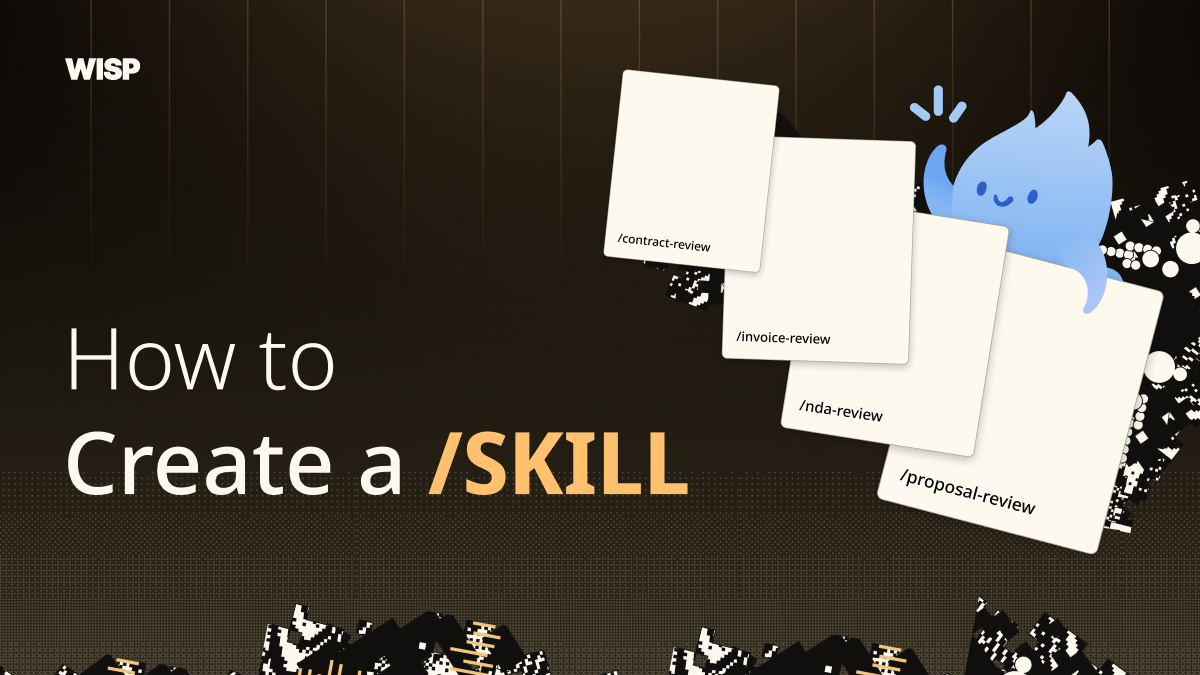
To illustrate skill creation, our first example will be a contract-review skill which deep dives into contracts and agreements, so you don’t have to.
“Review this MSA before we sign it. Is there anything I should push back on?”
“Check this vendor DPA against our data requirements.”
“What’s missing from this NDA?”
Wisp identifies the contract type, runs every clause category including liability, indemnification, data and privacy, IP, termination, payment, SLA, warranties, and governing law, and quotes the exact language of anything it flags.
Each finding should include the relevant wording, the section number, a severity rating, and a suggested position to discuss. If a page is unreadable or a clause cannot be quoted, the skill should say so rather than guess.
How it works
The skill works as a deep pass with a clause checklist scanning the same categories a careful commercial owner would scan.
The output format is fixed: quote, cite, severity, suggested position. If Wisp can’t quote the clause, it didn’t read it, and it will notify you of this.
How to do it in Wisp
Here’s the build, start to finish:
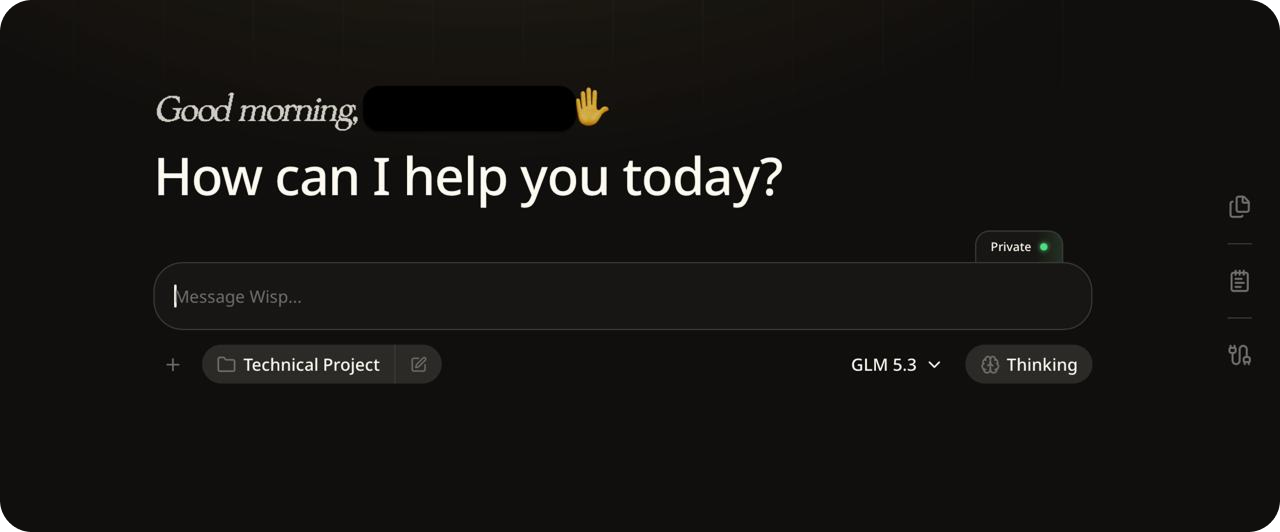
- Open Wisp in any project. Skills can live in one project or follow you everywhere within the app.
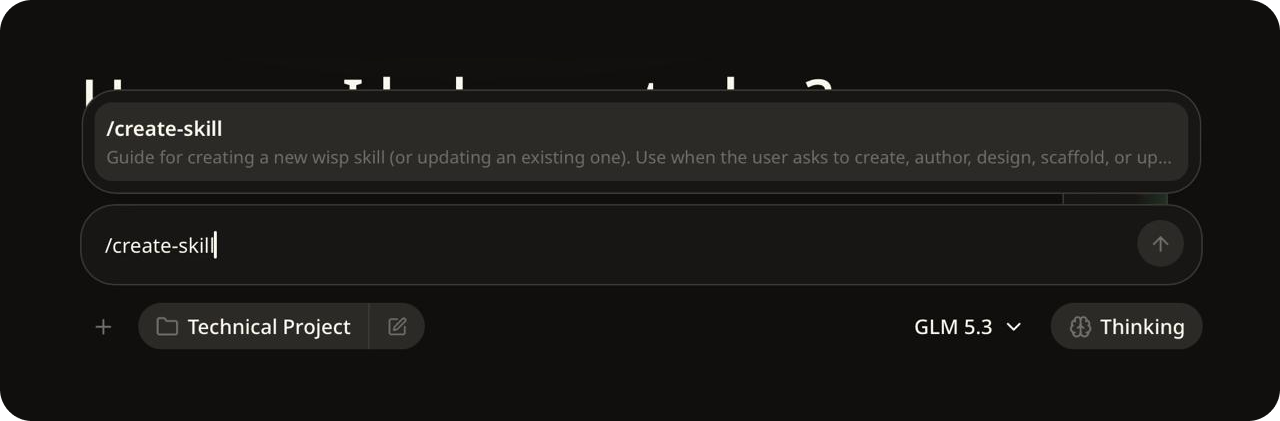
- Ask it to create a skill by typing
/into the chat window, selecting/create-skill, then hitting space and pasting the following prompt. You can tweak it or use your own original content instead of course.
The prompt:
Create a skill called contract-review for reviewing contracts and commercial
agreements — MSAs, NDAs, SOWs, DPAs, vendor terms. When I share a contract it
should: identify the contract type and parties; run a clause pass over
liability, indemnification, data & privacy, IP, termination & renewal, payment,
SLA, warranties, and governing law; then a missing-protections pass, where an
absent must-have clause (liability cap, DPA reference, deletion-on-exit) is a
finding in itself. Every finding must quote the exact contract language with its
section number, rate severity low/medium/high/critical, and suggest the language
to push for instead. End with a verdict — sign as-is, negotiate specific
clauses, or escalate — and lead the summary with the 3–5 findings that matter
most. Rules: never paraphrase a clause it's flagging — if it can't quote it, it
didn't read it; say so on unreadable pages instead of guessing; and state
plainly that this is a reading aid, not legal advice. Keep the clause checklist
in a separate reference file I can edit.
- Answer any follow-up questions from Wisp. It may ask where to save it, for example this project only or all your projects. It then writes the skill files and confirms what it saved.
- The best way to work with skills and files is to create a folder within your Wisp project and add any files you want to run the skill on within that folder.
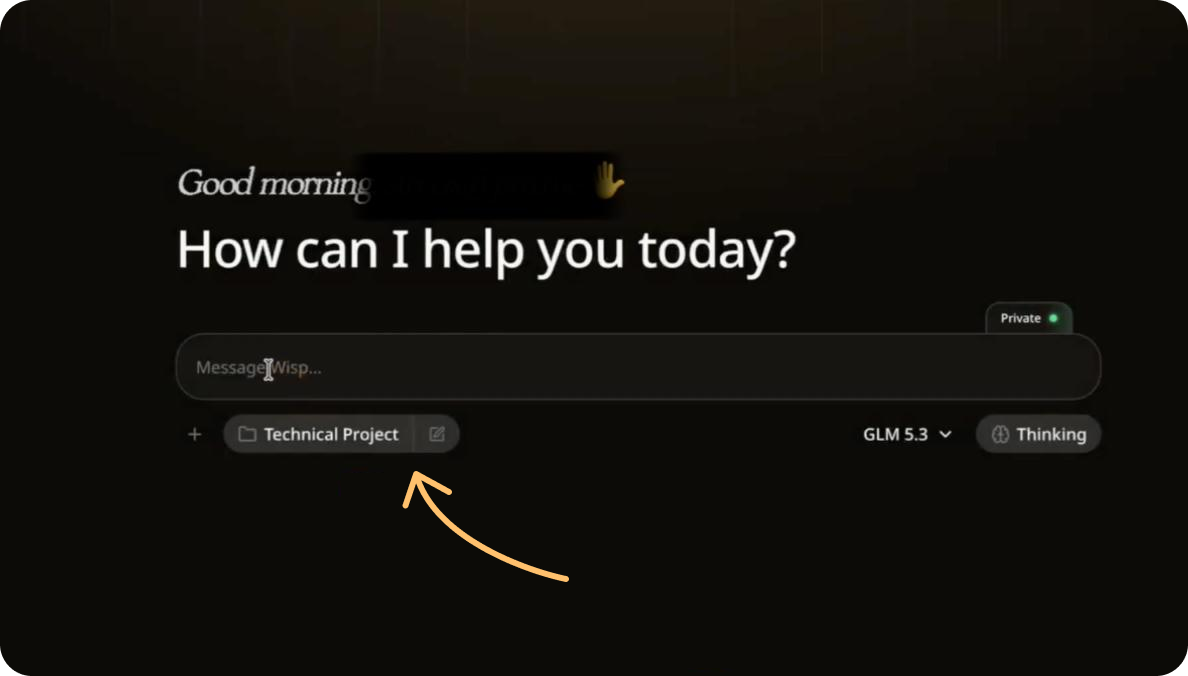
From here, you can direct Wisp to specific files and folders after calling the skill.
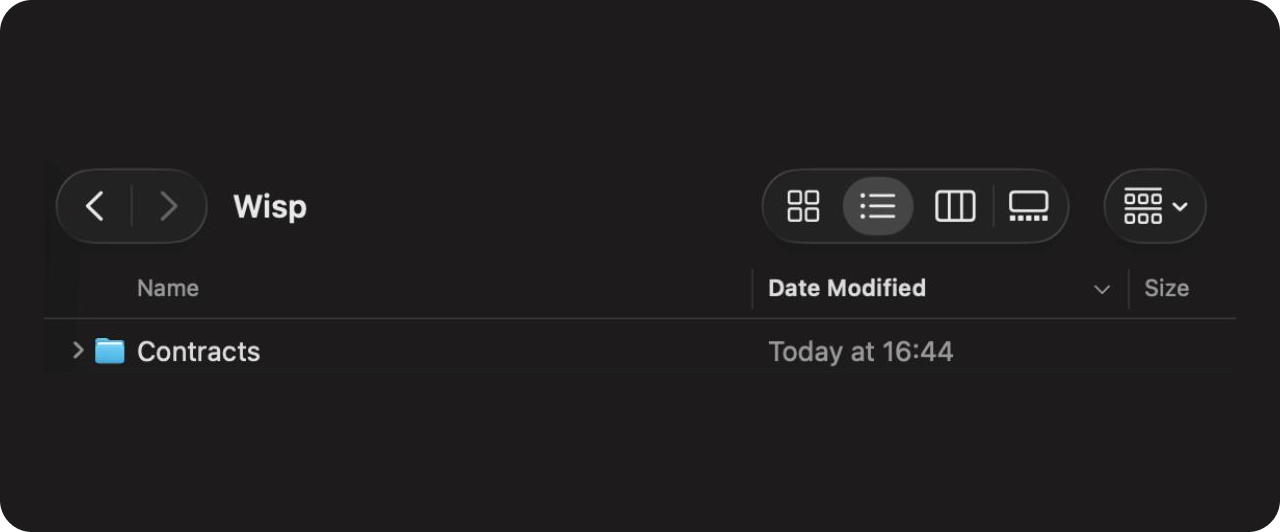
Here, we’ve created a Contracts folder within our main Wisp Project folder, Technical Project. So Wisp > Technical Project
Your folder will be whatever you named it in project creation as illustrated in the image above.
-
Use it.
Hit
/on your keyboard and you’ll see all created skills pop up. Choose/contract-review, give it any further commands such as specifying the file, and hit Enter.
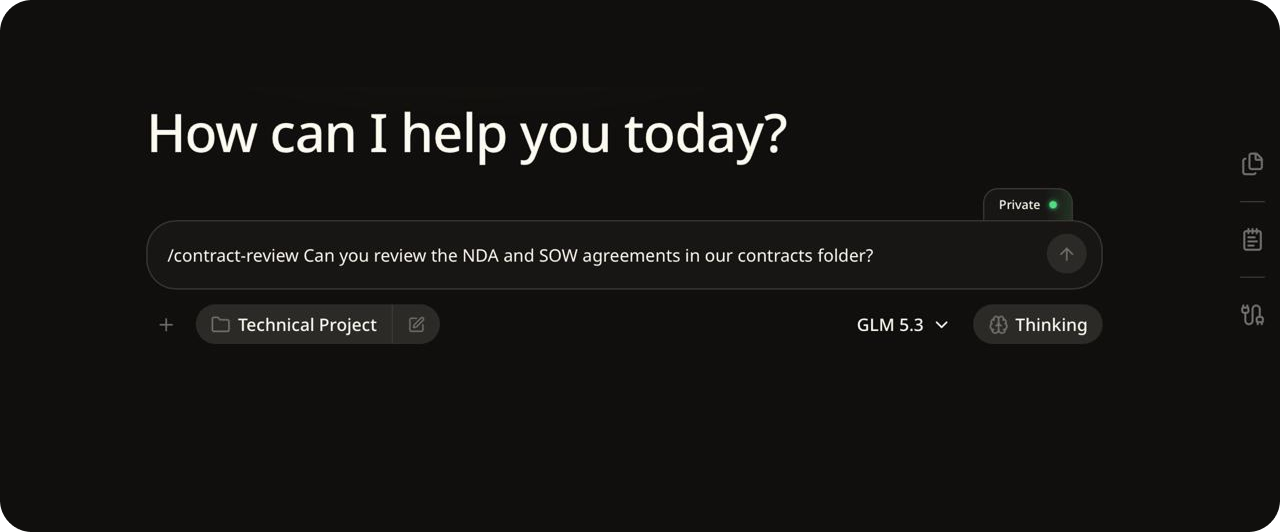
- The skill will run, take a deep review of the contract, and produce an
.mdfile with all flags and further information.
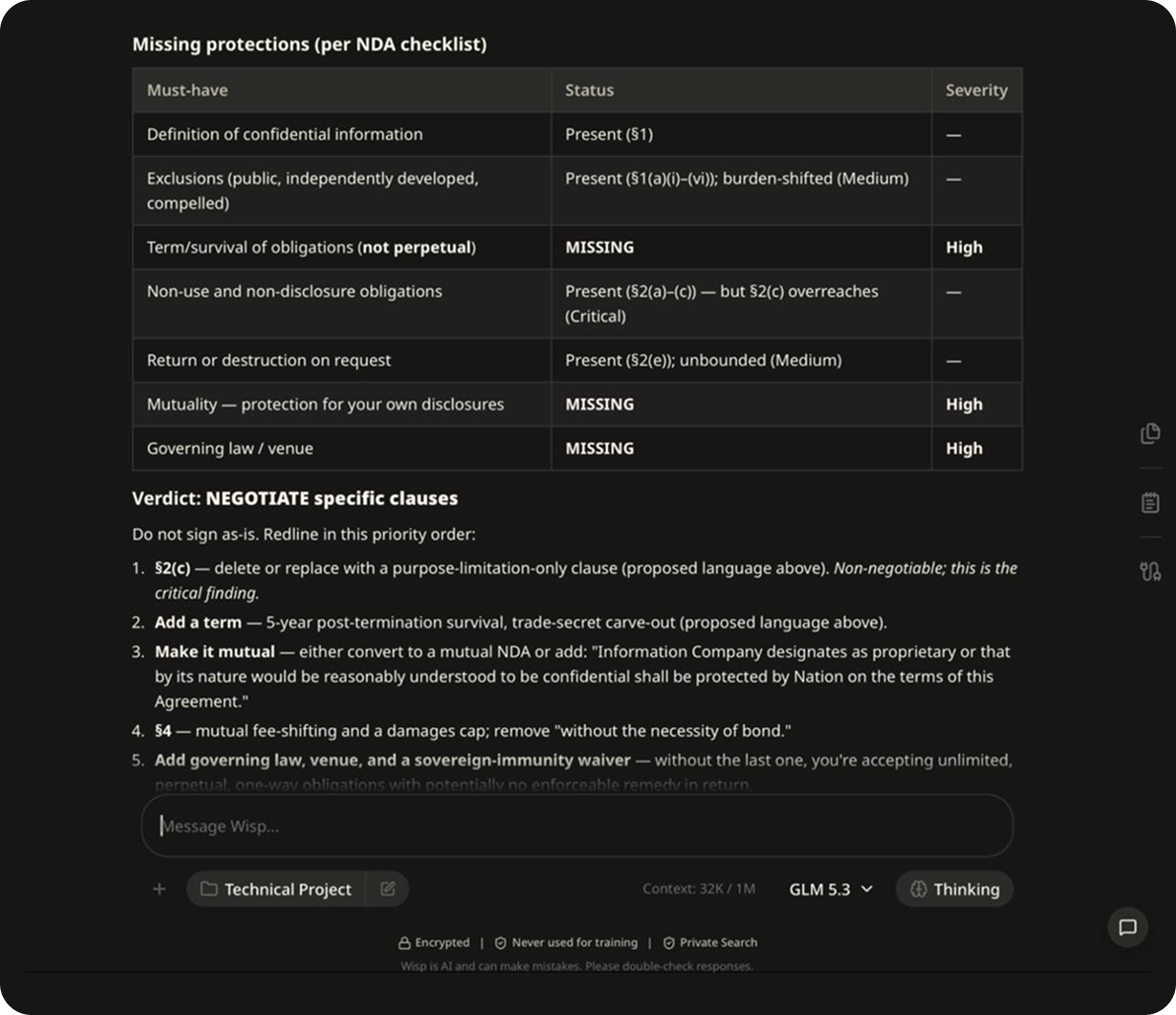
To tune it later, open the clause checklist Wisp saved at:
contract-review/references/clause-checklist.md
Note: You can add your jurisdiction’s requirements and your standard positions within the prompt to help fine tune for your needs.
Why contracts are a great Wisp use case
Contracts are the most sensitive documents most companies own, with pricing, liability, IP, and private information nobody wants in a vendor’s training set.
With Wisp, documents are processed inside the confidential environment and de-identified before reaching the model. Nothing trains on your contracts, and the review stays local to your machine.