

Create a Meeting Recap skill in Wisp
If you record your calls in Wisp, you can save the recap you'd write by hand as a skill and run it after every call.
Create a Meeting Recap skill in Wisp
If you record your calls in Wisp, you can save the recap you'd write by hand as a skill and run it after every call. In this guide, we'll create a skill that reads a transcript and turns it into decisions, open questions and action items, each one backed by the words that were actually said.
What you get
A meeting-recap skill that turns a recording into notes people can act on:
"/meeting-recap" "/meeting-recap the pricing call on Tuesday" "/meeting-recap the one where we talked about the migration deadline"
Wisp finds the recording you mean (the most recent one by default), reads the full transcript, and writes a recap with a two-line summary, the decisions made, the open questions, and the action items with an owner and a due date wherever one was said out loud.
Every decision and action item quotes the transcript line it came from, with its speaker label. If nobody named an owner or a date, the recap says so instead of inventing one. It ends with a short follow-up email you can edit and send yourself.
How it works
Wisp's transcripts label speech by source: microphone for you and system for everyone else on the call. The skill keeps those two apart and never guesses which person on the other side said something, so the recap is only as specific as the recording allows.
The output format is fixed: summary, decisions, open questions, action items, follow-up draft. Nothing gets sent. The draft waits for you.
How to do it in Wisp
Here's the build, start to finish:
- Record a meeting in Wisp first, so the skill has something to work on.
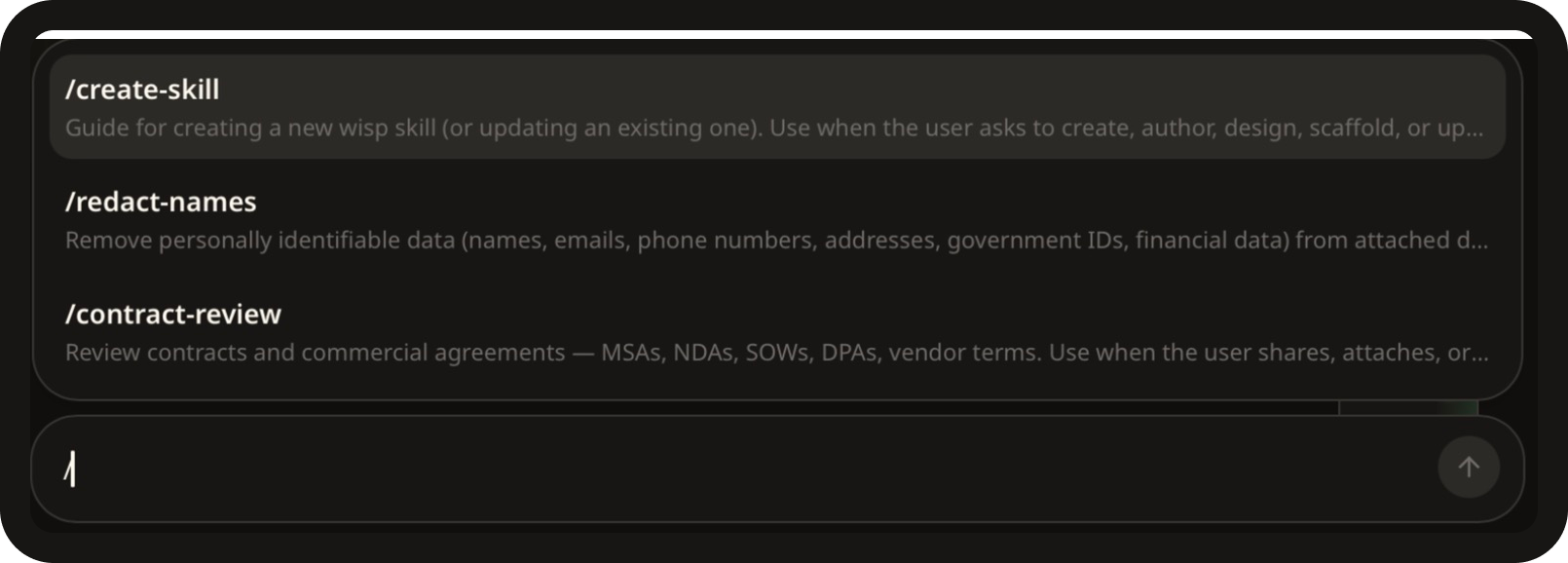
- Open Wisp in any project. Type
/in the chat window, select /create-skill, hit space, and paste the prompt below. Tweak it to suit, or write your own.
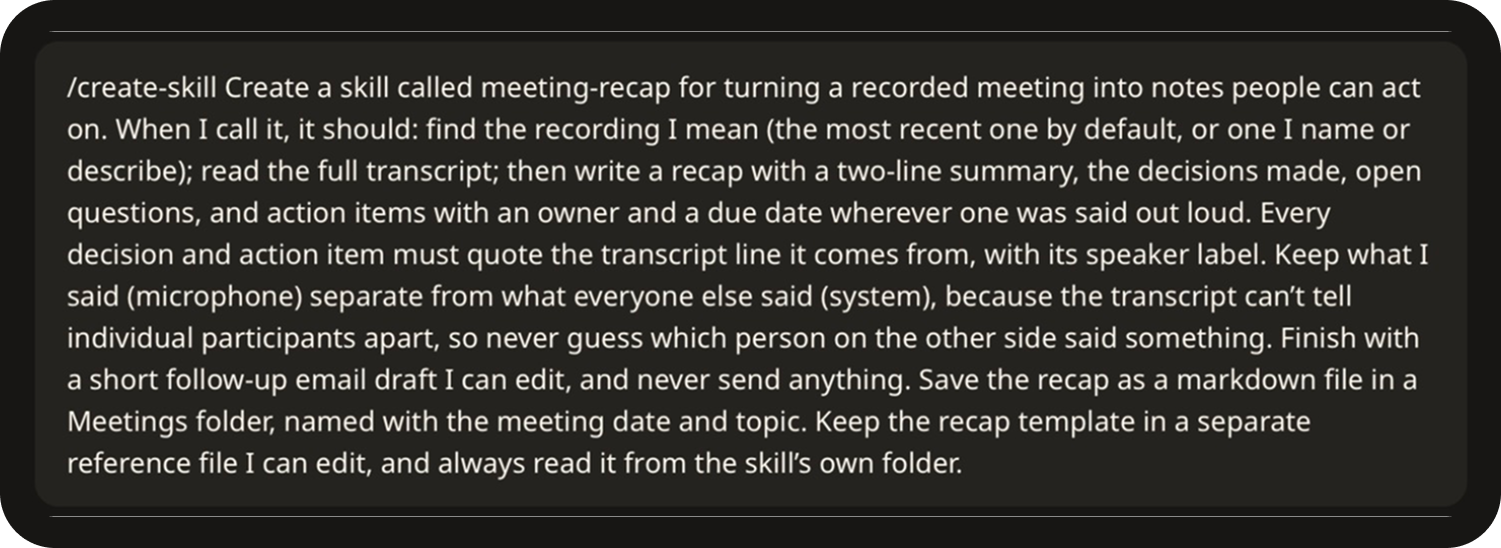
The prompt:
Create a skill called meeting-recap for turning a recorded meeting into notes
people can act on. When I call it, it should: find the recording I mean (the
most recent one by default, or one I name or describe); read the full
transcript; then write a recap with a two-line summary, the decisions made,
open questions, and action items with an owner and a due date wherever one was
said out loud. Every decision and action item must quote the transcript line it
comes from, with its speaker label. Keep what I said (microphone) separate from
what everyone else said (system), because the transcript can't tell individual
participants apart, so never guess which person on the other side said
something. Finish with a short follow-up email draft I can edit, and never send
anything. Save the recap as a markdown file in a Meetings folder, named with
the meeting date and topic. Keep the recap template in a separate reference
file I can edit, and always read it from the skill's own folder.
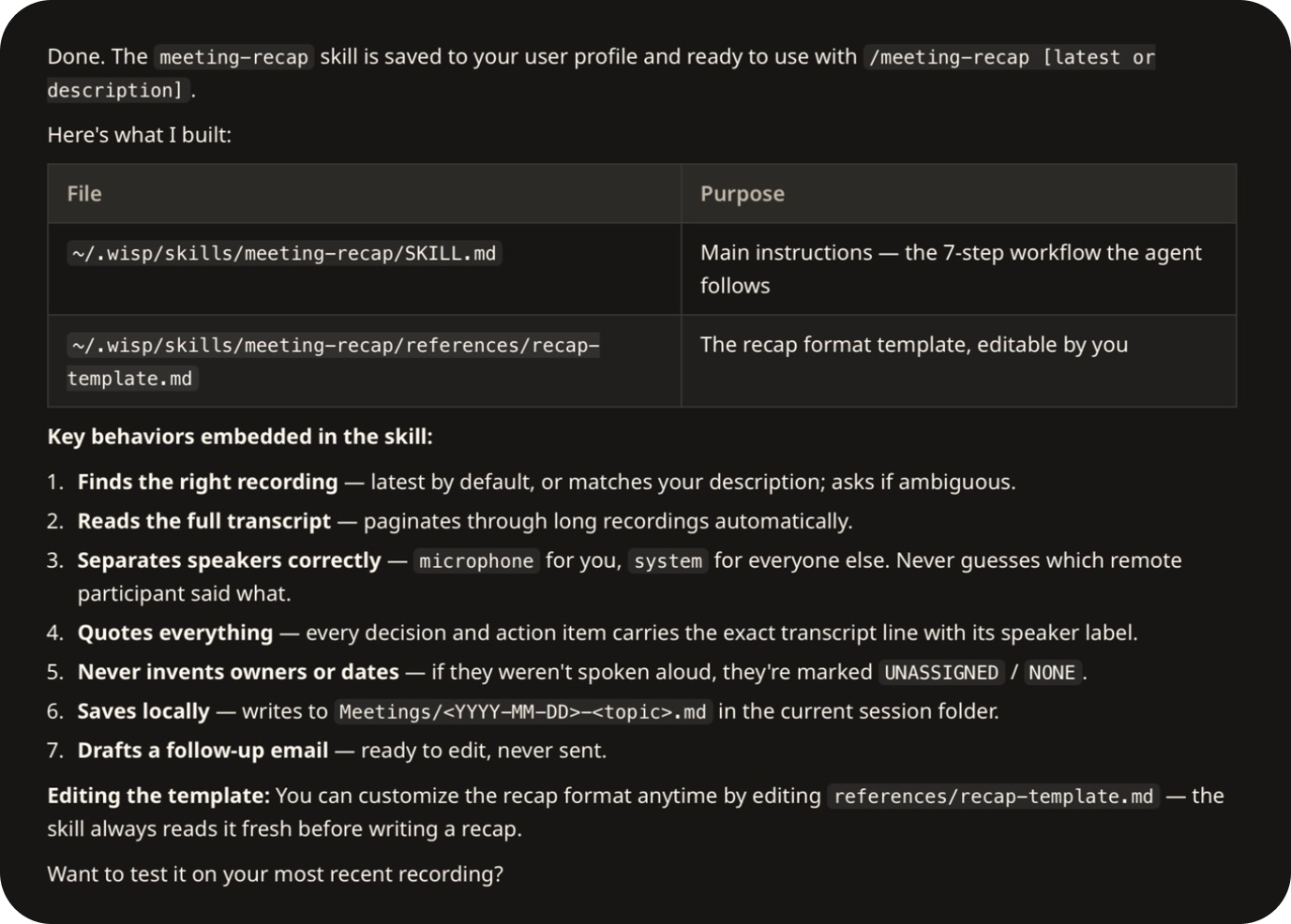
- Answer any follow-up questions from Wisp. It may ask where to save the skill, for example this project only or all your projects. It then writes the skill files and confirms what it saved.
- Use it. Hit
/and you'll see all your skills. Choose /meeting-recap, add a description of the meeting if it isn't the latest one, and hit Enter.
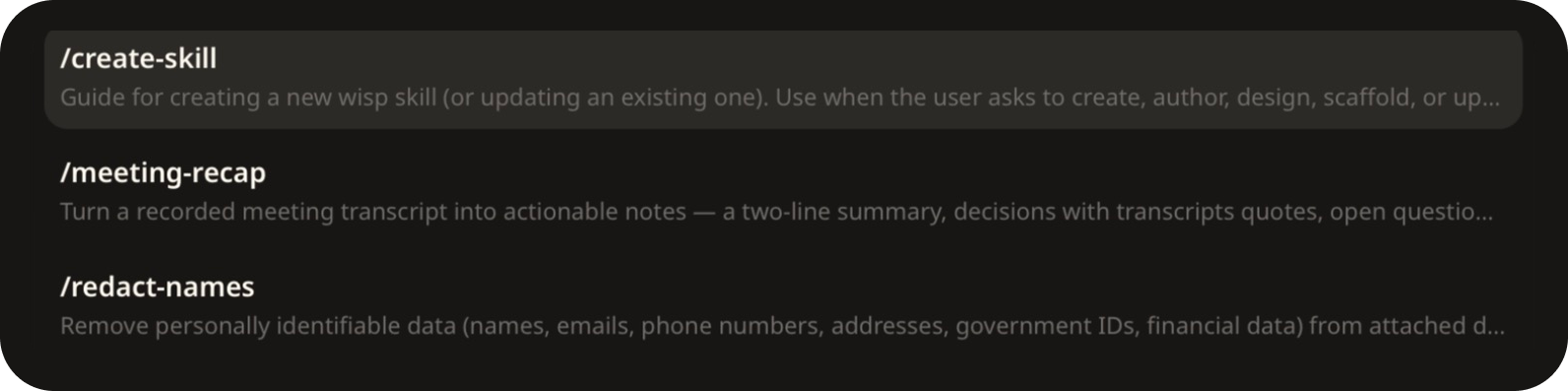
- The skill reads the transcript and saves the recap as a markdown file in a Meetings folder in your project, with the follow-up email at the end.
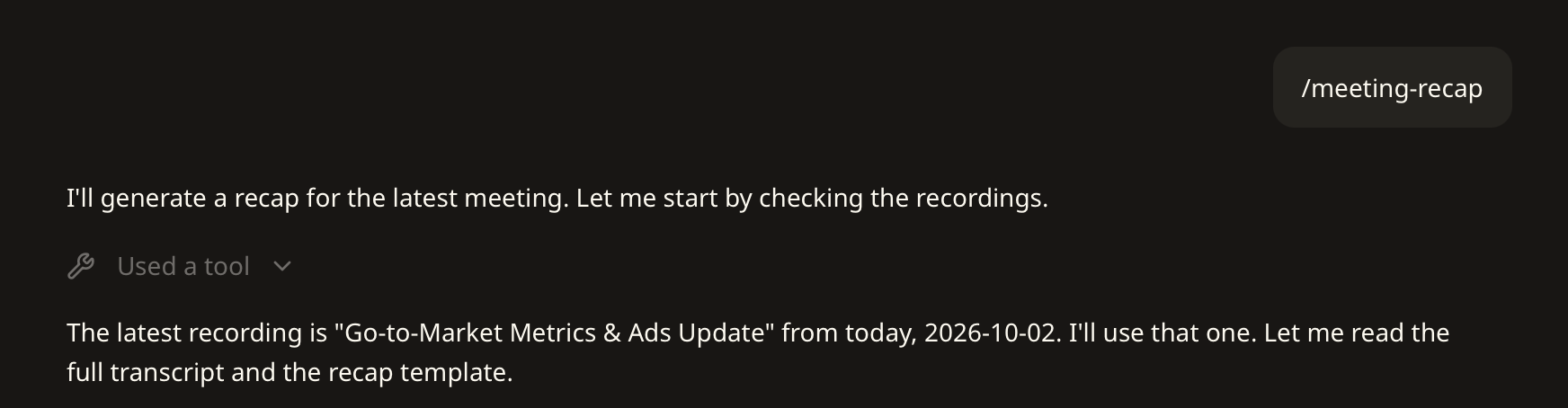
To tune it later, open the template Wisp saved at:
~/.wisp/skills/meeting-recap/references/recap-template.md
Note: add the sections your team always wants, such as risks, budget or next meeting date, and every recap will include them.
Why meetings are a great Wisp use case
The meetings most worth writing down are the ones nobody wants on a stranger's server: board calls, legal strategy, hiring, pricing.
A cloud notetaker sends everyone's words to someone else's servers, including people who never agreed to it.
With Wisp, there's no bot in the call. Audio is captured on your machine, the transcript is stored encrypted on your device, and nothing trains on your conversations.
You should still tell people you're recording. It's the law in plenty of places, and it's good manners everywhere.