

Create a Research Brief skill in Wisp
Most research starts the same way: a dozen searches, twenty open tabs, and a summary that quietly drops the links. A Wisp skill can do the legwork the same way every time.

Create a Research Brief skill in Wisp
Most research starts the same way: a dozen searches, twenty open tabs, and a summary that forgets to add all the sources. A Wisp skill can do the legwork the same way every time.
In this guide, we'll create a skill that takes a question, searches the web, reads the actual pages, and writes a short brief where every finding links back to its source.
What you get
A research-brief skill that turns a question into a sourced, dated brief:
"What obligations does the EU AI Act place on providers of general-purpose AI models, and when do they apply?"
"Which countries require everyone's consent before a video call can be recorded?"
"When did Intel first ship TDX, and which CPU generations support it?"
Wisp restates the question, breaks it into the sub-questions it needs to answer, runs several searches with different wording, and opens the most relevant pages rather than trusting search snippets.
It works through a source list you can edit, which puts official documentation, filings and papers ahead of aggregators.
The brief opens with a short answer, then lists the key findings with links to the pages they came from, a section on where sources disagree or the evidence is thin, and a dated list of sources. Anything more than a year old on a fast-moving topic gets flagged.
How it works
The skill follows a fixed sequence: plan, search, read, write, save. The rules travel with it, so every brief comes out in the same shape.
The main rule is that a fact only goes in the brief if Wisp read it on a page it opened. Some sites block automated visits, and Intel's own pages did during our testing. When a page won't open, it goes in the gaps section rather than the sources, so you can see what the brief couldn't check.
How to do it in Wisp
Here's the build, start to finish:
- Open Wisp in any project. Skills you create are saved to your profile, so they're available in every project.
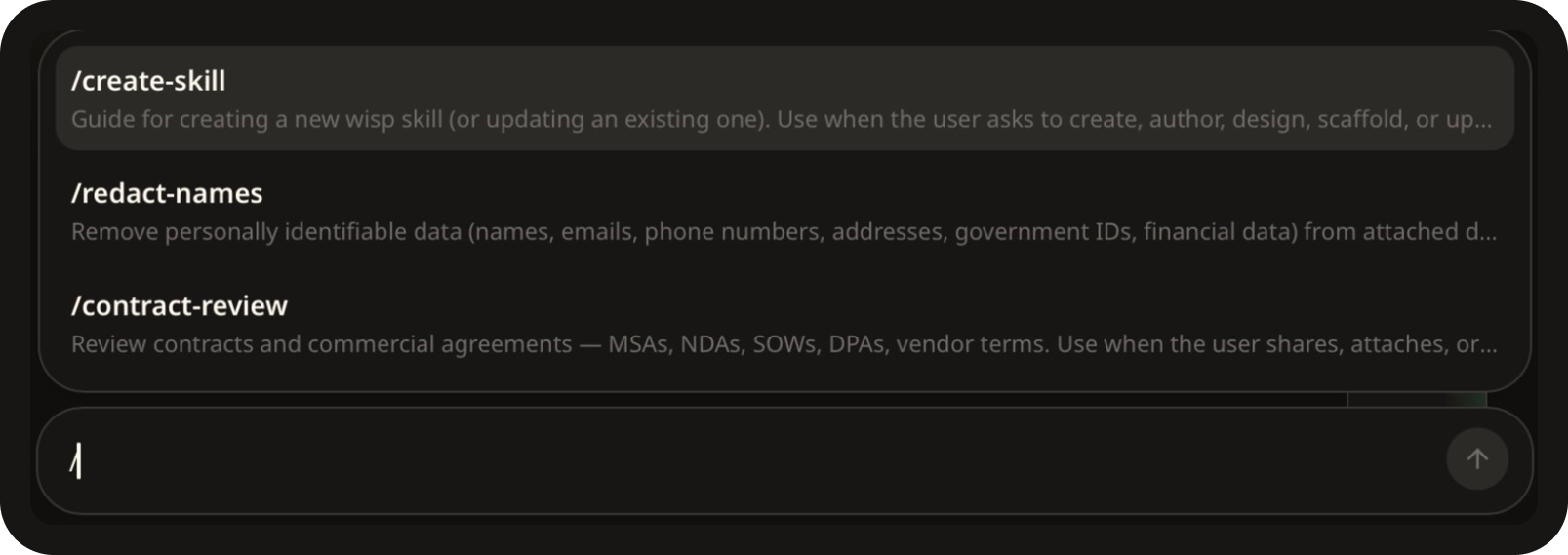
- Type
/in the chat window, select /create-skill, hit space, and paste the prompt below. Tweak it to suit, or write your own.
The prompt:
Create a skill called research-brief for answering a research question with
sources. When I give it a question or topic it should: restate the question in
one line and list what it needs to find out, then carry straight on without
waiting for me; run several web searches with Brave Search, varying the
wording, and open the most relevant pages with Fetch URL rather than relying on
search snippets; prefer primary sources (official sites, filings, papers,
documentation) over aggregators and SEO listicles; then write a brief with a
3-5 sentence answer at the top, key findings as bullets where every claim links
to the page it came from, a short section on where sources disagree or the
evidence is thin, and a list of sources with their publication dates. Rules:
never state a fact it didn't read on a page it opened, and never cite a page it
couldn't open (list those in the gaps section instead); say so plainly when it
can't find something instead of filling the gap; flag anything older than 12
months on a fast-moving topic; save the brief as a markdown file in a Research
folder, named after the question. Keep the source-preference list in a separate
reference file I can edit, and always read it from the skill's own folder. Run
it in the main chat rather than as a separate agent, and write the skill's
description as a single plain line.
The last two sentences matter, they help keep the skill on track even after many runs.
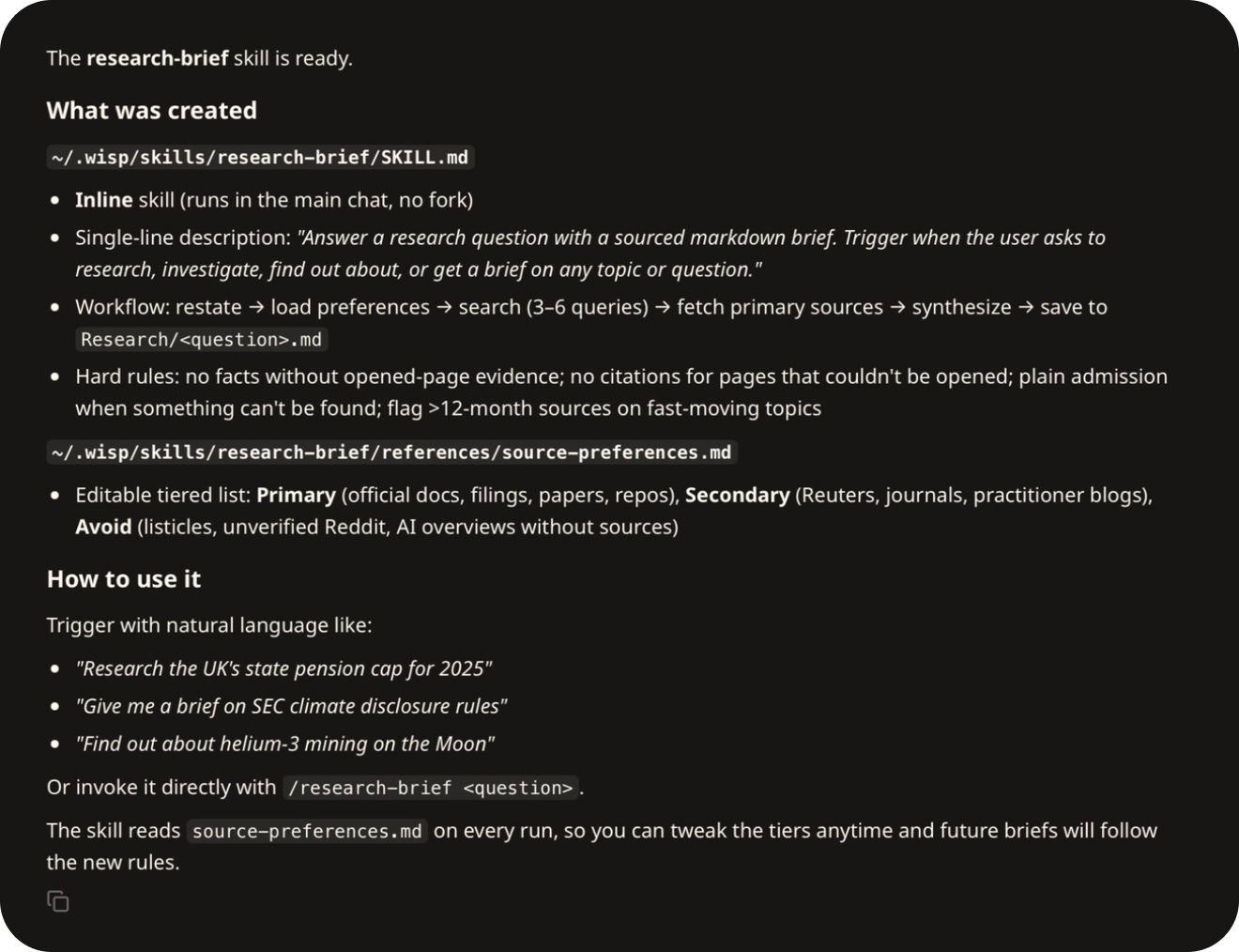
- Wisp writes the skill files and confirms what it saved: the skill itself, plus the source list you can edit.
- Use it. Type
/research-brief, add your question, and hit Enter.

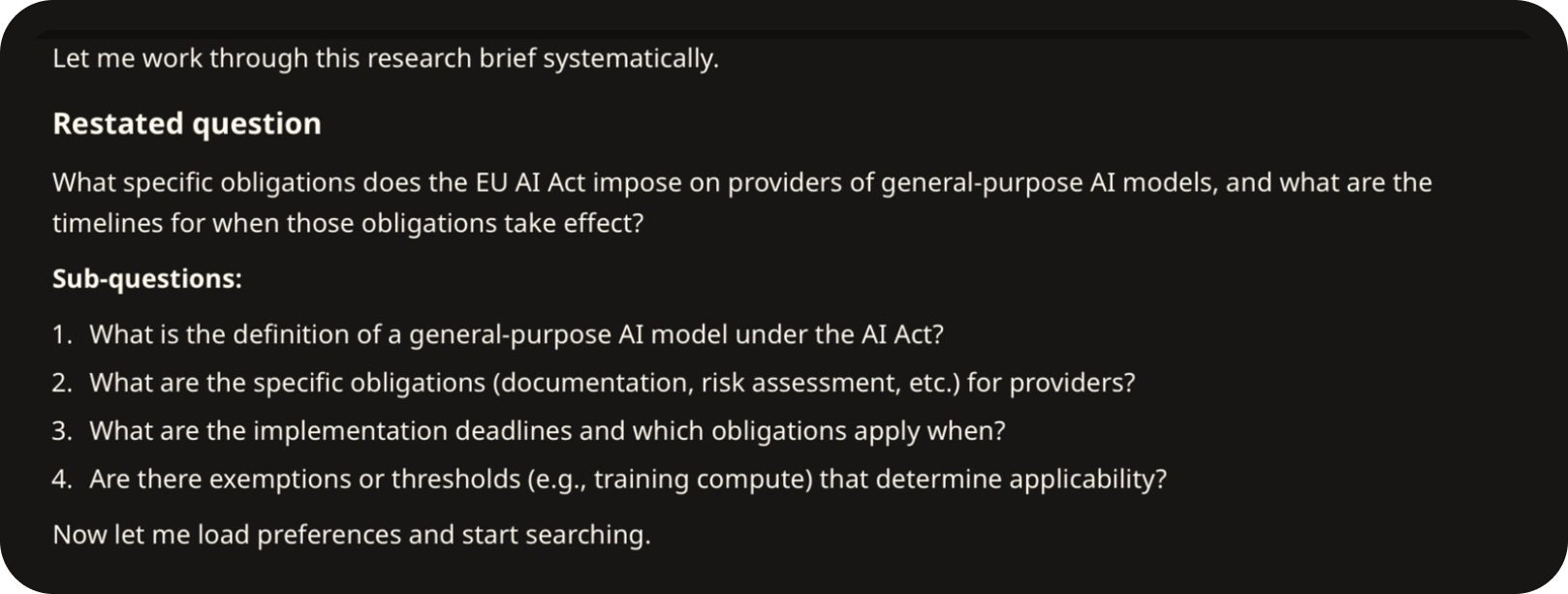
- Wisp restates the question, lists the sub-questions, reads your source list, and gets on with it.
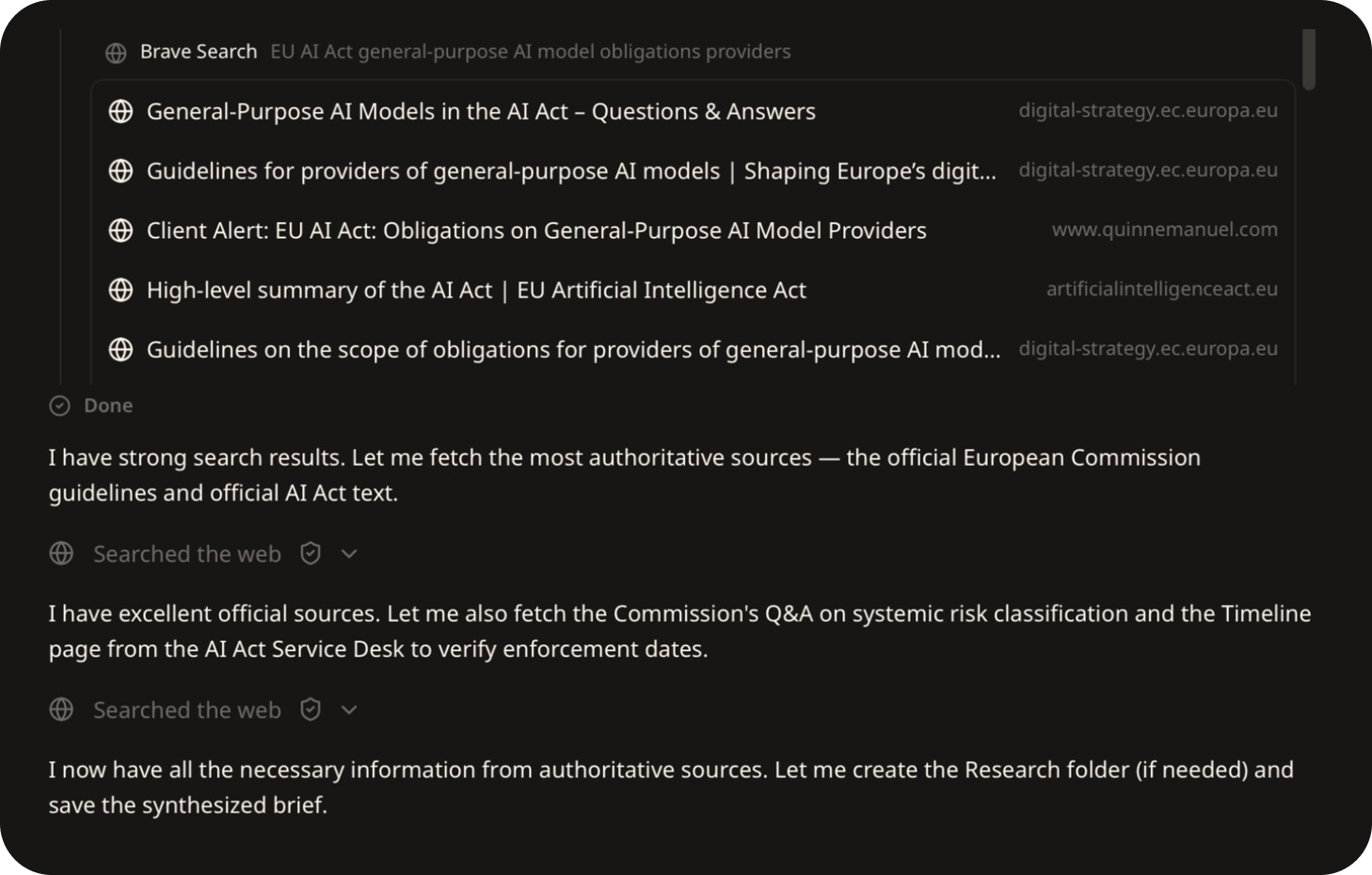
- It searches the web and opens the pages worth reading. Here, the European Commission's own guidance came first.
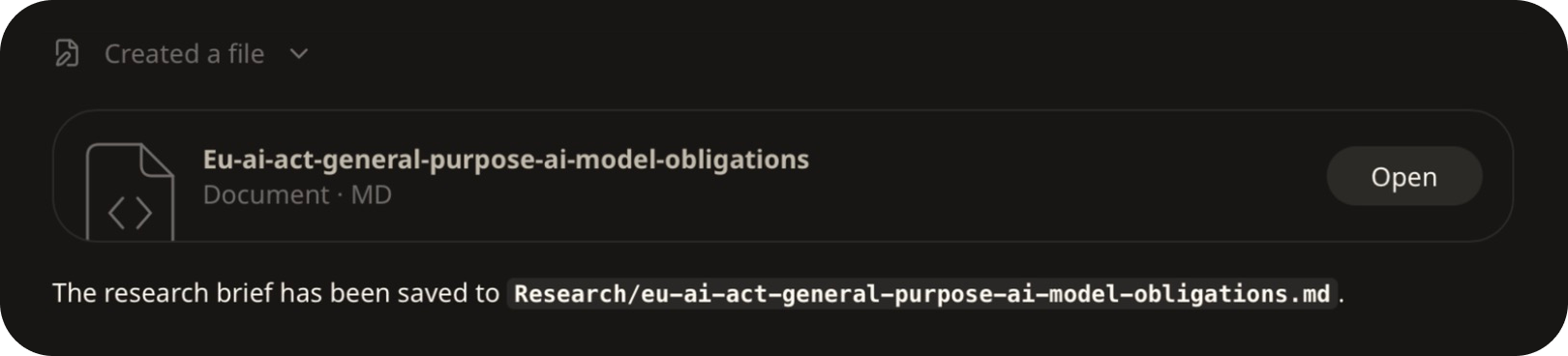
- When it's done, the brief is saved to a Research folder in your project. Click Open to read it in Wisp.
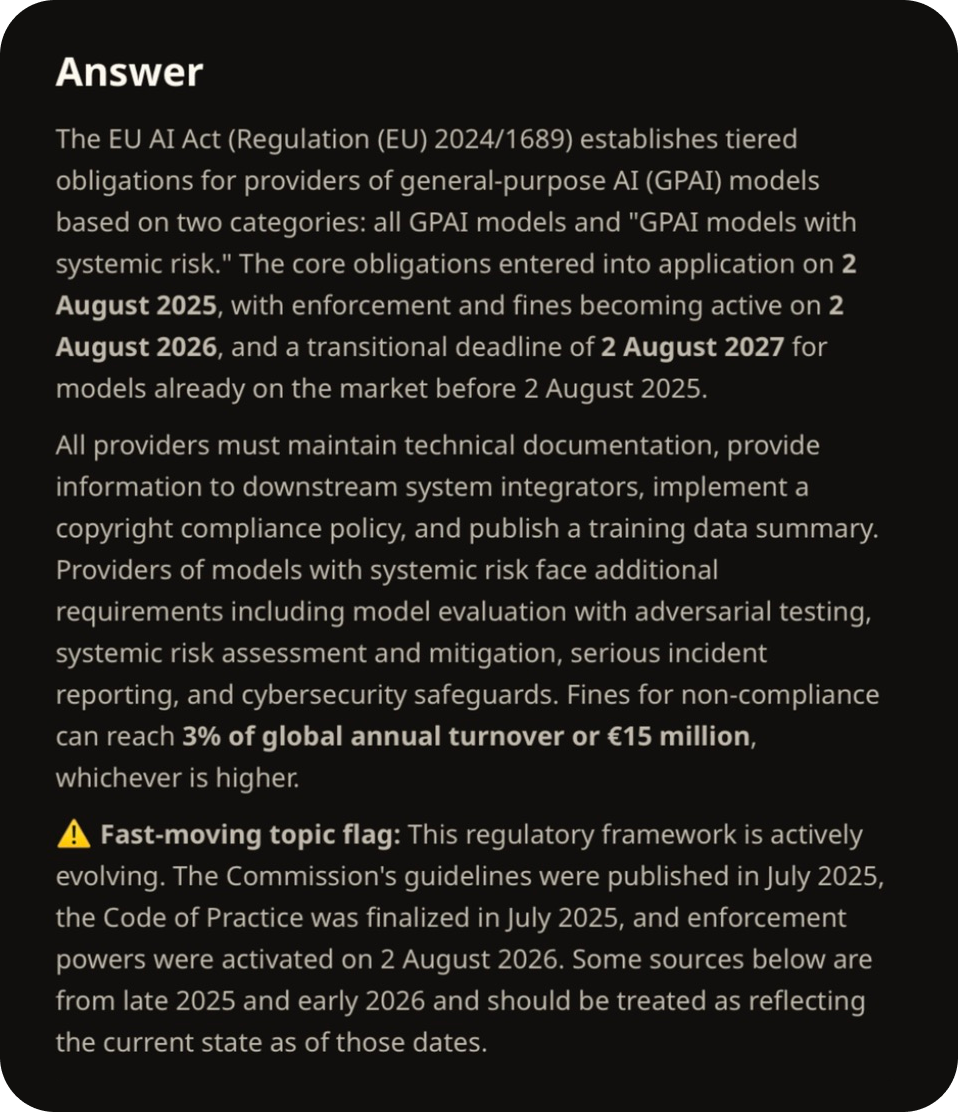
The brief leads with the answer, and flags how quickly the topic is moving.
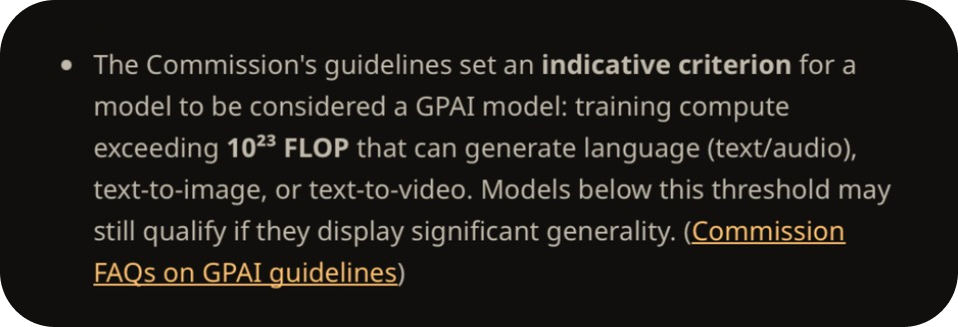
Each finding links to the page it came from, so you can check any line in one click.
To tune it later, open the source list Wisp saved at:
~/.wisp/skills/research-brief/references/source-preferences.md
Note: add the sites you trust most for your field, and the ones you never want cited. The skill reads the list fresh every time it runs.
Why research is a great Wisp use case
What you search for says a lot about what you're working on: the company you're about to approach, the competitor you're worried about, the regulation that's about to land on your desk.
With Wisp, searches and page fetches go out through its Anonymizer, which makes each request on your behalf, so the sites you visit see a request from Wisp rather than from you. They still see the search words themselves, so keep the confidential detail out of the query. The brief and your chat history stay encrypted on your machine, and nothing trains on your conversations.