

Private Web Search: What Sites See When Wisp Searches for You
Under every Wisp chat sit three small words: **Private Search**. They make a specific promise, and it's narrower than \"anonymous\". This explainer sets out what a website can tell when Wisp searches on your behalf, what it can't, and how the data is parsed.
Private Web Search: What Sites See When Wisp Searches for You
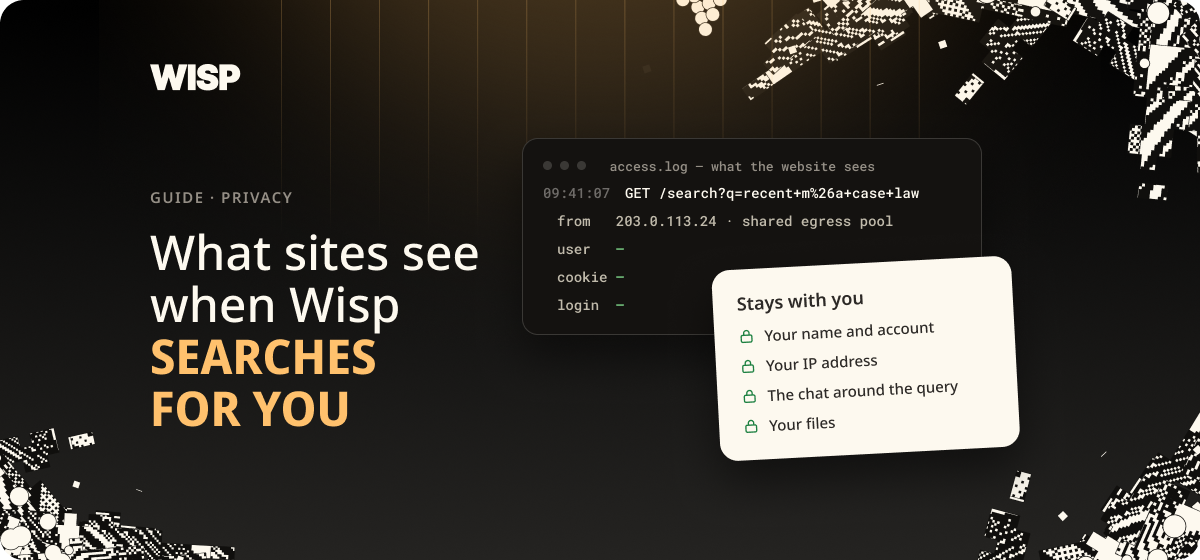
Under every Wisp chat sit three small words: Private Search. They make a specific promise, and it's narrower than "anonymous". This explainer sets out what a website can tell when Wisp searches on your behalf, what it can't, and the one thing the label doesn't cover.

What you get
"Search the web: what is the Bank of England base rate right now? Give me the source."
Wisp searches, reads what comes back, and answers with links. The search engine and the sites involved see a request arriving from Wisp's infrastructure. They don't see your computer's address, your browser or your cookies.
How it works (30-second version)
A normal search goes from your browser straight to the search engine, carrying your IP address and whatever cookies you've collected. Over time that becomes a profile.
Wisp sends the request a different way. It goes to Wisp's anonymizing proxy, which runs inside a hardware enclave and keeps no logs, and the proxy makes the request for you.
You ask → Wisp → anonymizing proxy (hardware enclave, no logs) → search engine → results back to you
The search itself runs on Brave Search, which keeps its own index.
What a search looks like
Ask a question that needs the web, and Wisp shows its working. The grey line reads Searched the web, with a small shield next to it. Open it to see the exact query and the results it drew on.
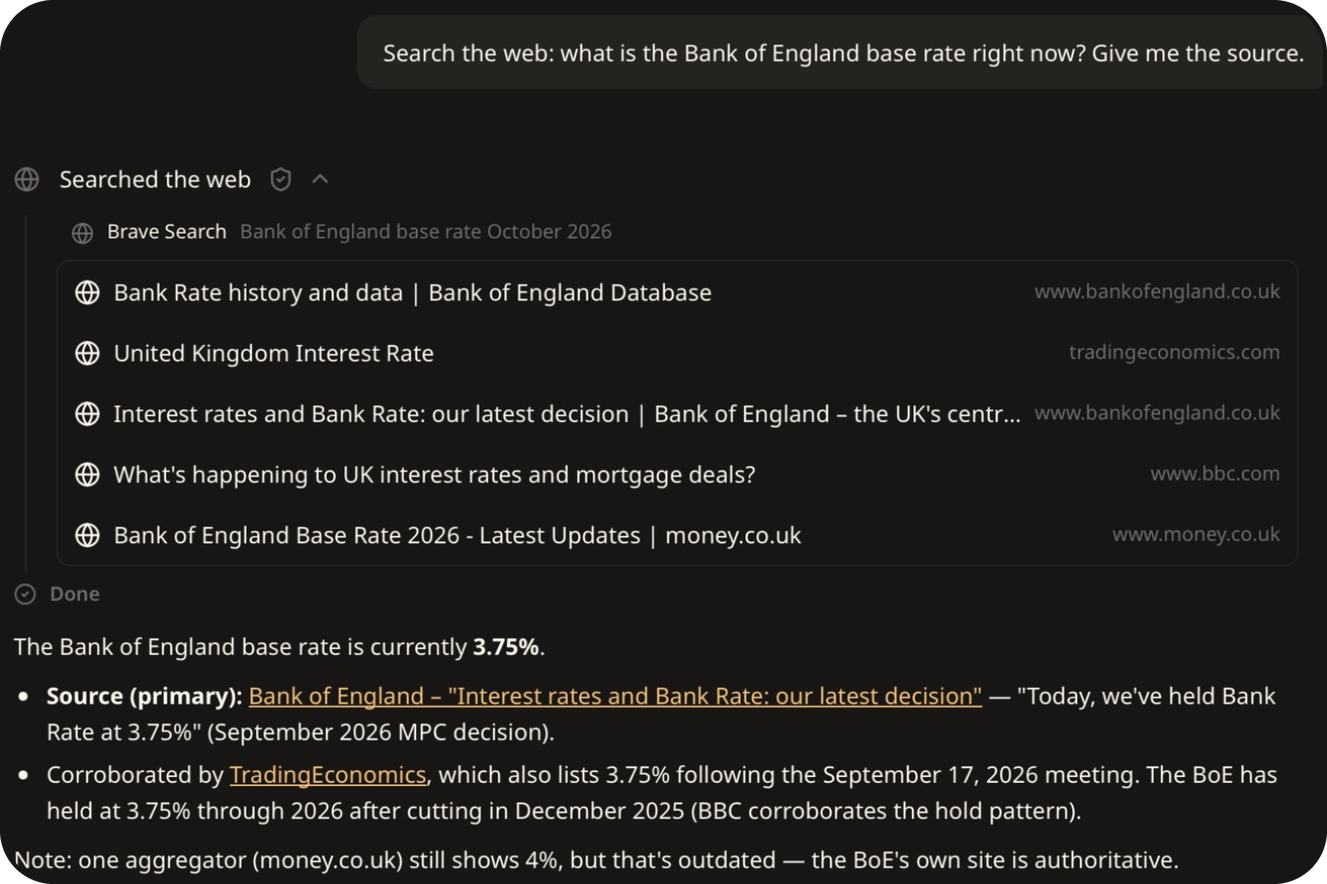
Two things are visible here. Wisp rewrote the question into its own query, "Bank of England base rate October 2026". And it weighed the sources: it took the Bank of England's own page as the answer and pointed out that an aggregator was showing an out-of-date figure.
What sites can see, and what they can't
| A normal browser search | A search through Wisp | |
|---|---|---|
| Your IP address | Yes | No. They see the proxy |
| Your browser and cookies | Yes | No. The request comes from Wisp, not your browser |
| The words you searched for | Yes | Yes |
| A stored copy of the query | Usually | No. Brave keeps zero data from Wisp's searches |
| A history tied to you | Builds over time | Harder to build. Requests arrive from the proxy's address, and neither the proxy nor Brave keeps a record of your searches |
The part the label doesn't cover
The words of the query still reach the search engine. They have to, or there would be nothing to search for.
So the proxy hides who is asking, it doesn't hide what is asked. If you search for "Harbour Print Co unpaid invoice dispute", the search engine learns that somebody is interested in that, and it doesn't learn that it was you.
In practice:
- Keep names out of sensitive searches when the name is the secret. Search for the type of problem, and bring the specifics in from your own files.
- Remember Wisp writes the query. If your message contains a client's name, the search may too. Say "don't include the client's name in any web search" when it matters.
- Open the grey line to see exactly what was sent.
Why this matters
Searches are candid in a way few other records are. They show what a person or a company is worried about, often before anyone else knows.
Wisp's approach is to make the request on your behalf, from an enclave that keeps no logs, and to be plain about the limit: the site still sees the search text.